I design and build web interfaces.
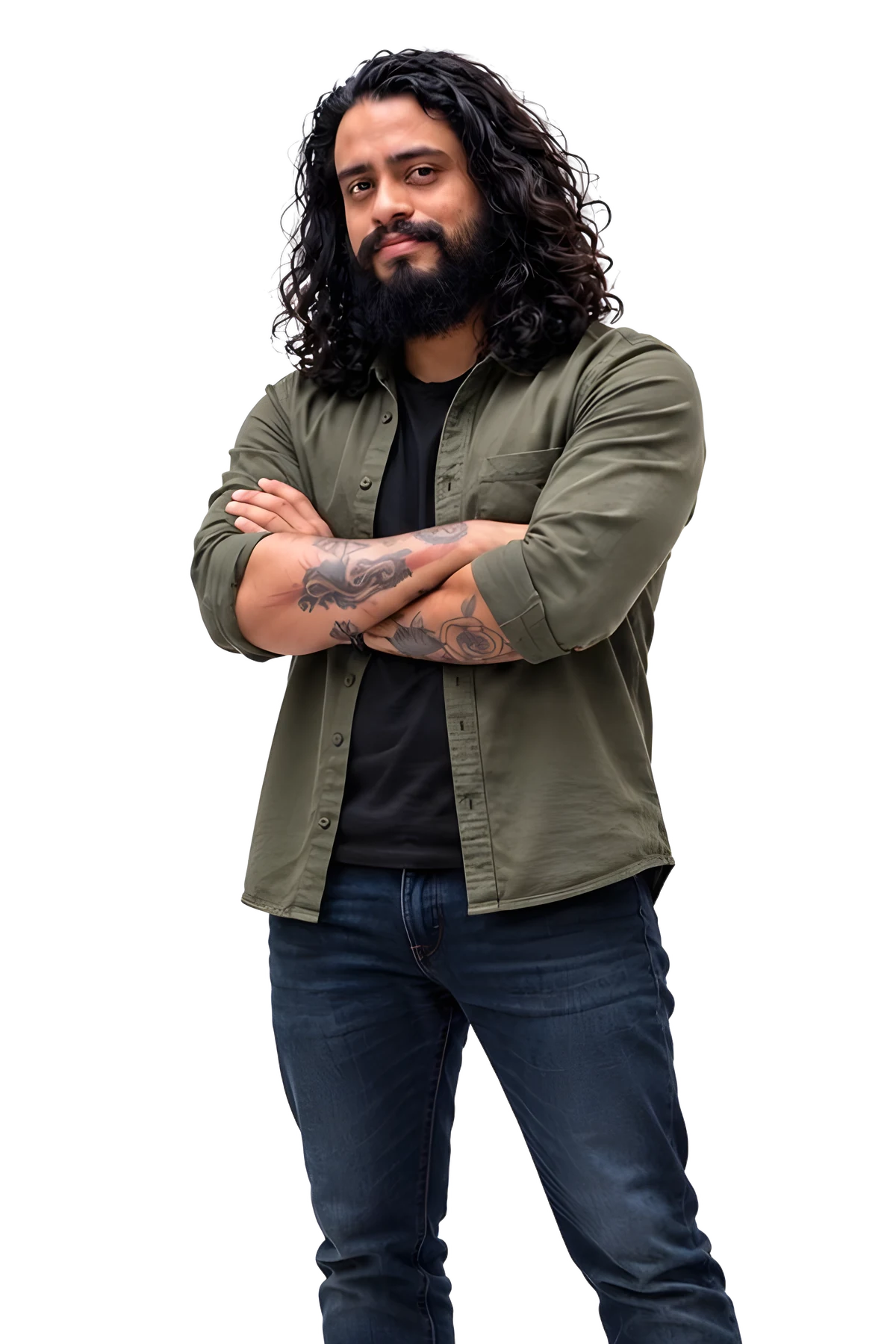
I’m Michael Quintero, a frontend designer and developer from Bucaramanga, Colombia. I use AI to get there sooner; every line I ship, I have read myself.
Available for new projects
What I work with
- Vue 3
- Vite
- Tailwind CSS
- JavaScript
- TypeScript
- GSAP
- Figma
- HTML
- CSS
- Pinia
- Node.js
- Vitest
- Git
- npm
- Netlify
- Claude Code
Recent work
A short list of what I have built. Pick a row to see the project.
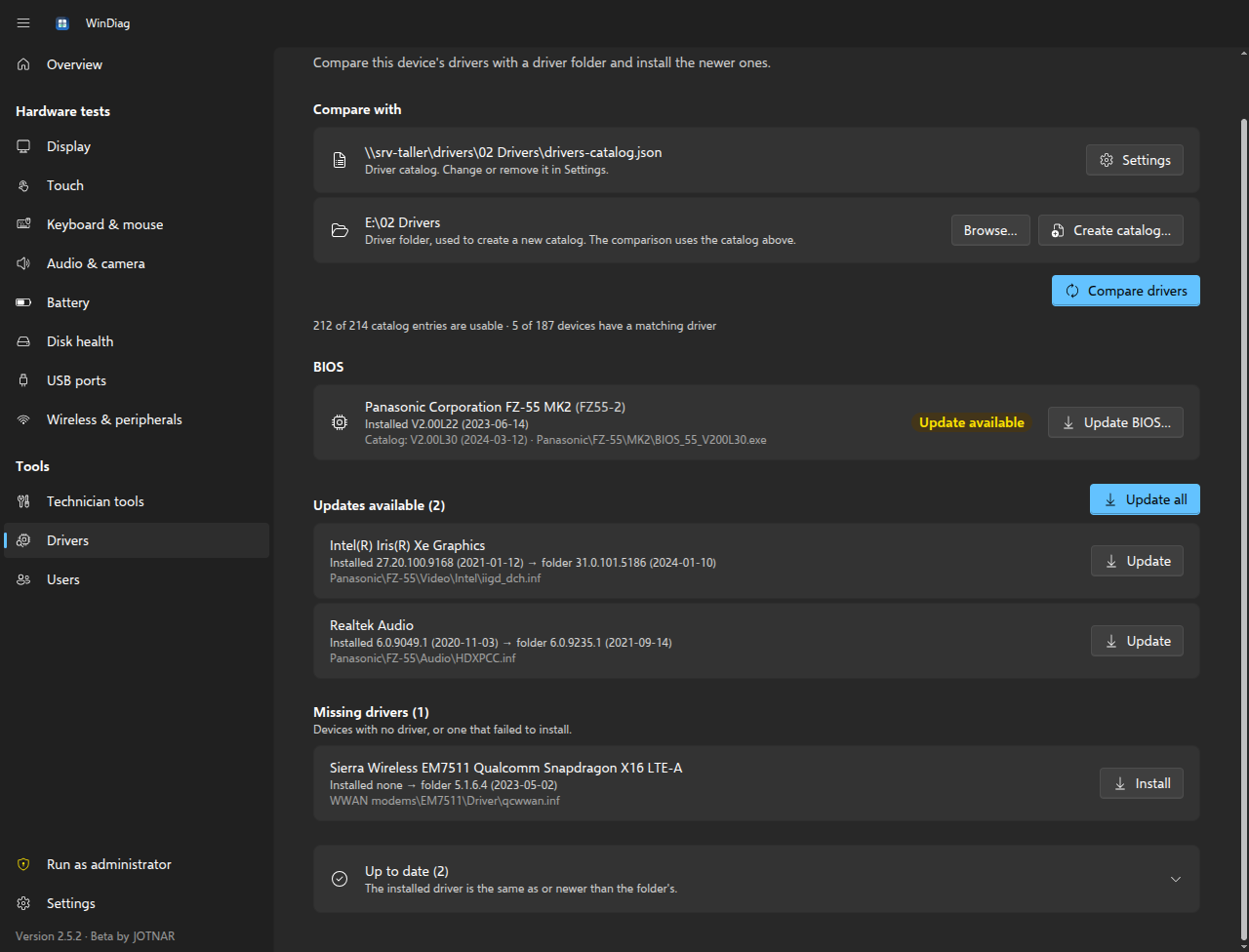 WinDiagWindows desktop app (Electron) for IT technicians and refurbishers.2026
A Windows desktop app that lets technicians test laptop hardware, update drivers from a shared catalog and update the BIOS safely, all from one place.
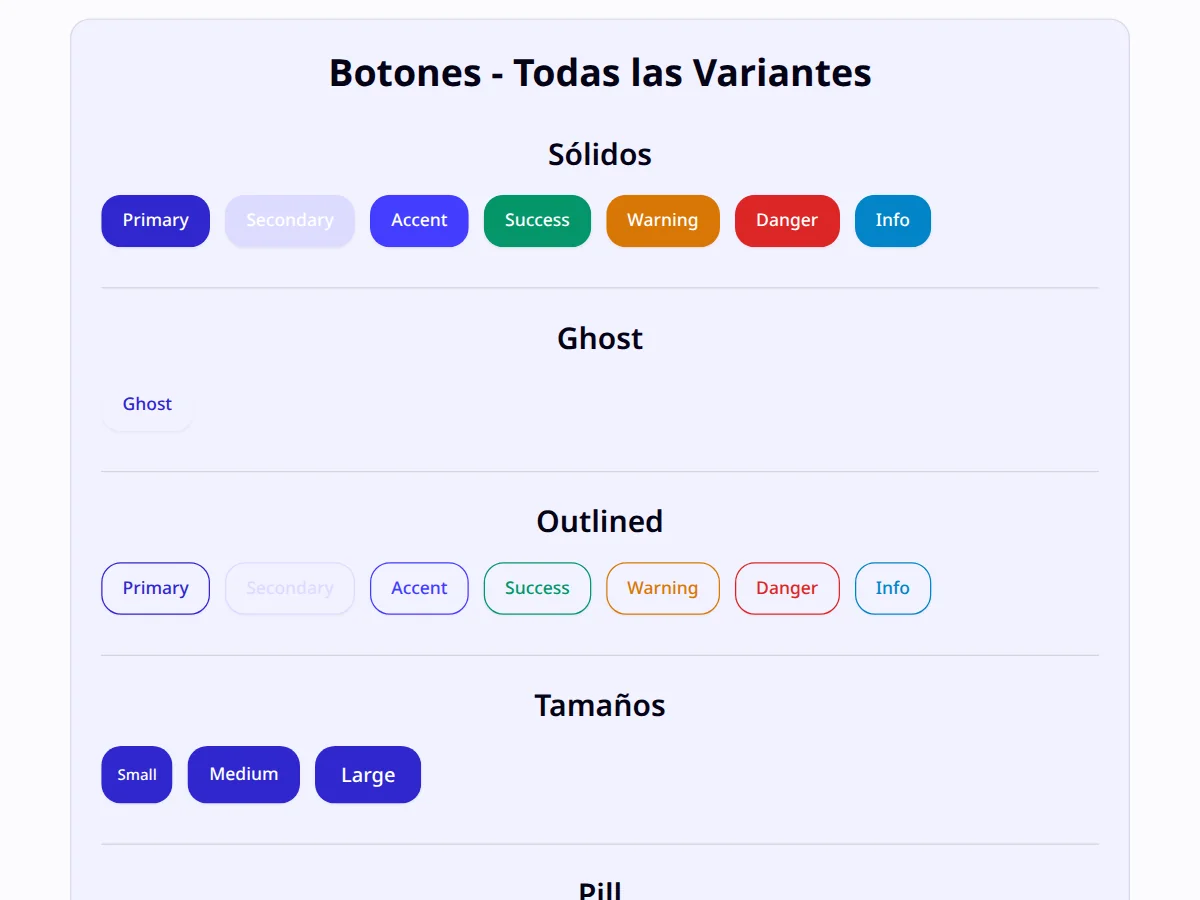 KamUICSS component library2026
Accessible components for Tailwind CSS 4 with no JavaScript runtime, for any framework.
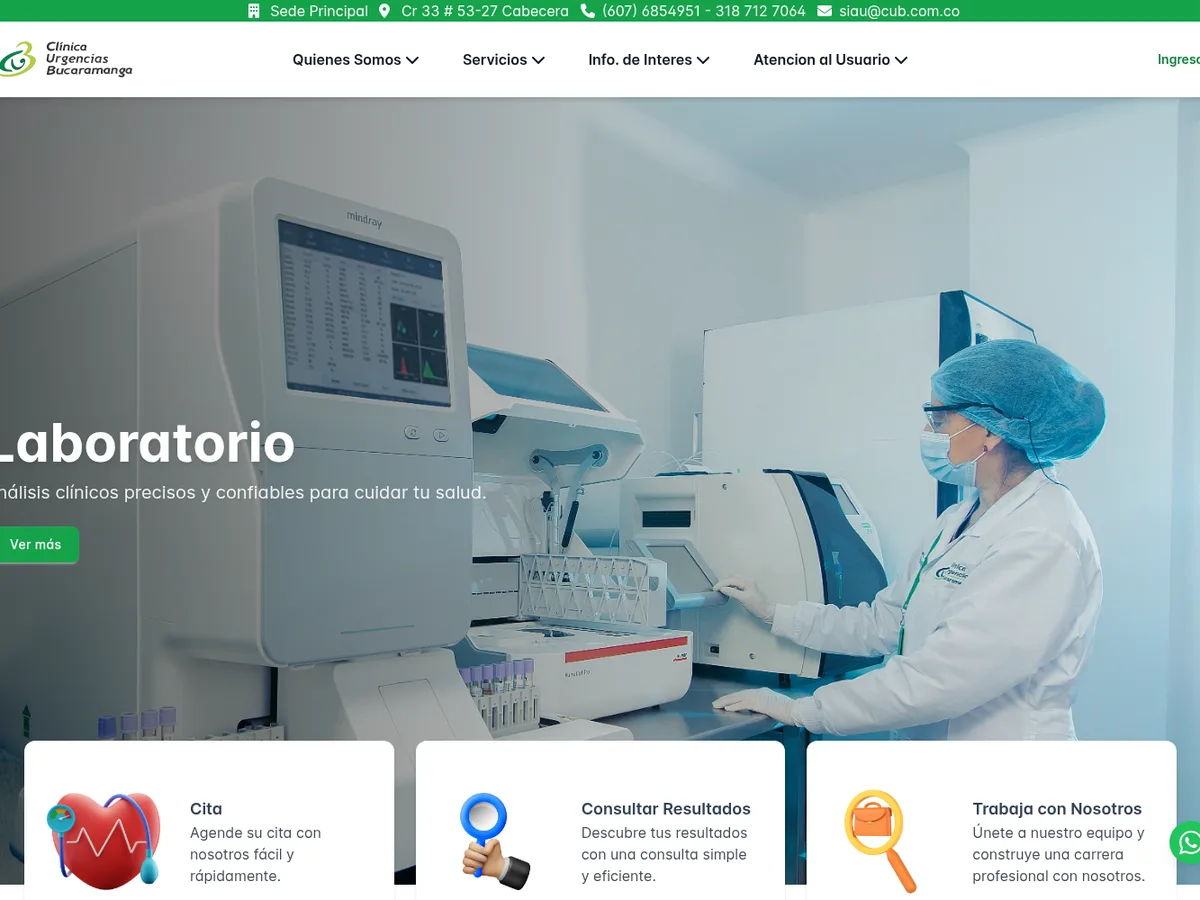 Clínica de Urgencias BucaramangaHealthcare website2024
Redesign and build of the clinic’s site: appointments, lab results and contact for each location.
- M-UI · m-btnVue library on npm2024
My component library for Vue 3. The m-btn button is published on npm and powers the demo on this page.
How I work with AI
AI writes fast and is confidently wrong. I decide what gets built and catch its mistakes. An example with my own button:
First, the design.
Before I ask an AI for anything, I set sizes, colours and states. If it isn’t decided, the AI decides for me, badly.
Then, the AI’s draft.
I hand over the spec and get code in seconds. It looks right, but a typical draft carries mistakes like these three.
Finally, my review.
I fix it, test it with a keyboard and a screen reader and publish it. This is the real button, from npm. Try it.
m-btn spec
- Height
- 32 · 36 · 40 · 44 · 48 px
- Side padding
- 12 – 28 px
- Corners
- square, 14 px or pill
- Variants
- solid, outline, tonal, text
- States
- rest, hover, focus, loading, disabled
- Accessible
- label on icon-only buttons
Reviewed and published · @jotnar/m-btn
Pressed: 0 times
<m-btn md label="Send proposal" />- Native <button> element
- Visible keyboard focus
- Accessible name on icon buttons

About me
I started programming in 2020, mid-pandemic, with a technical course at SENA and many nights of documentation. I learned HTML, CSS and JavaScript by building things that didn’t work until they did.
In 2022 I taught computing to more than a hundred secondary-school students. Teaching made me explain every decision, and I still work that way: if I can’t say why a line is there, it goes.
Then I spent almost three years as frontend developer at Clínica de Urgencias Bucaramanga, redesigning its site and building its intranet. There I learned that in healthcare a confusing interface costs time someone doesn’t have.
Today I use AI every day, the way I use a good editor. It saves me hours of typing; it doesn’t save me from thinking. That difference is what I offer you.
Michael Quintero
Frontend designer and developer
Download CV (PDF)
Track record
Experience
- Frontend developer, Clínica de Urgencias Bucaramanga2022 – 2025
- Computing teacher, Decroly Institute2022
Education
- Systems technician, SENA2020 – 2021
- Responsive Web Design, freeCodeCamp2024
- Digital marketing fundamentals, Google Activate2022
Tools
- Vue 3, Vite and Piniadaily
- Tailwind CSS 4 and GSAPdaily
- Figmadesign
- Claude CodeAI, reviewed
Writing
 From Keyboard Shredder to Frontend Craftsman: The Guide to Mastering Reusable Components in Vue2026
 Dark mode is no longer a luxury, it's a must-have: Implement this feature in your Vue and Tailwind app in 10 minutes2025
 Bring your UI to life: The secret to smooth animations with GSAP in Vue without sacrificing performance2025
 The secret to responsive design isn't magic, it's these Tailwind tricks that saved me from embarrassment.2025
Design with judgement code that reads well AI that gets reviewed
Contact
Have a project in mind?Tell me in one sentence.
Your email app opens with the message ready. I reply within two working days.
- mqad89@outlook.com
- tech-michael-quintero
- GitHub
- JotnarDev
- Time zone
- Bucaramanga, UTC−5
- Languages
- Spanish (native), English (B2)